



TAMRON Lens Utility™
Create your own personalized lens functions.
New Advancements and
Possibilities for Your Shooting Workflow
TAMRON Lens Utility™
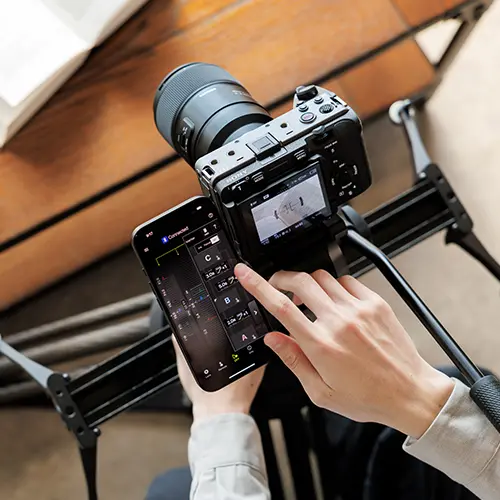
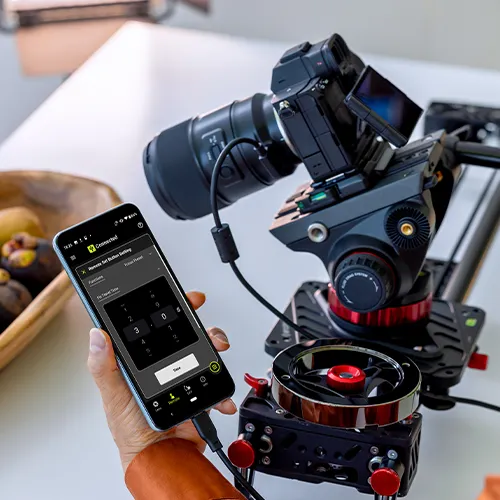
TAMRON Lens Utility™ is an innovative application that lets you assign practical functions to your lens for both video and still photography using your smartphone or PC, eliminating the need for traditional video equipment. Designed to be intuitive and easy to use, it enhances lens functionality and elevates your creative experience.
![]()
For Video
Focus (FC)/Iris Marker Link
Easily Control Focus Pull and Aperture from Your Smartphone
You can set markers for both the focus and aperture rings, and with the DFF (Digital Follow Focus) screen, shift them instantly to the preset positions with a single tap.
* Aperture control via the DFF including Iris Marker and Focus (FC)/Iris Marker Link is not supported on Nikon Z mount
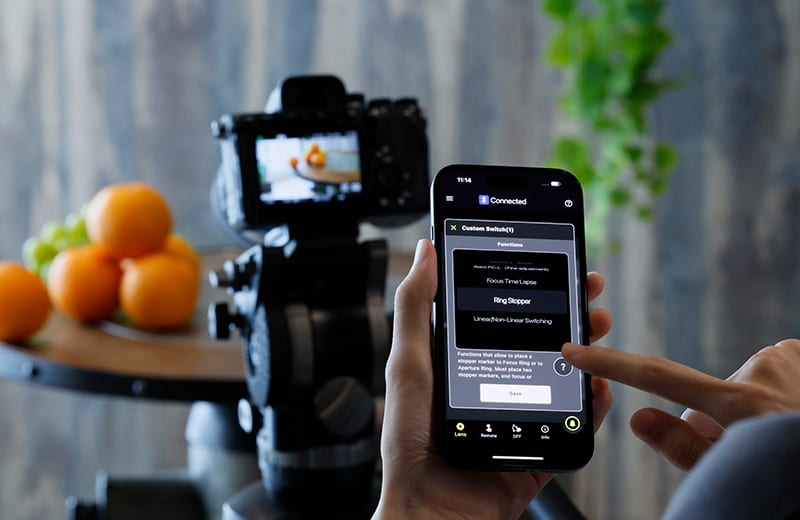
Ring Stopper
Electronically Controlled Stopper for Precise Ring Operation
This function lets you set an electronically controlled stopper for the focus and aperture rings, which helps prevent unintended over- or under-adjustment when operating them. With the DFF screen, you can manually control both rings at the same time with smooth, accurate operation.
* Nikon Z mount is not supported.
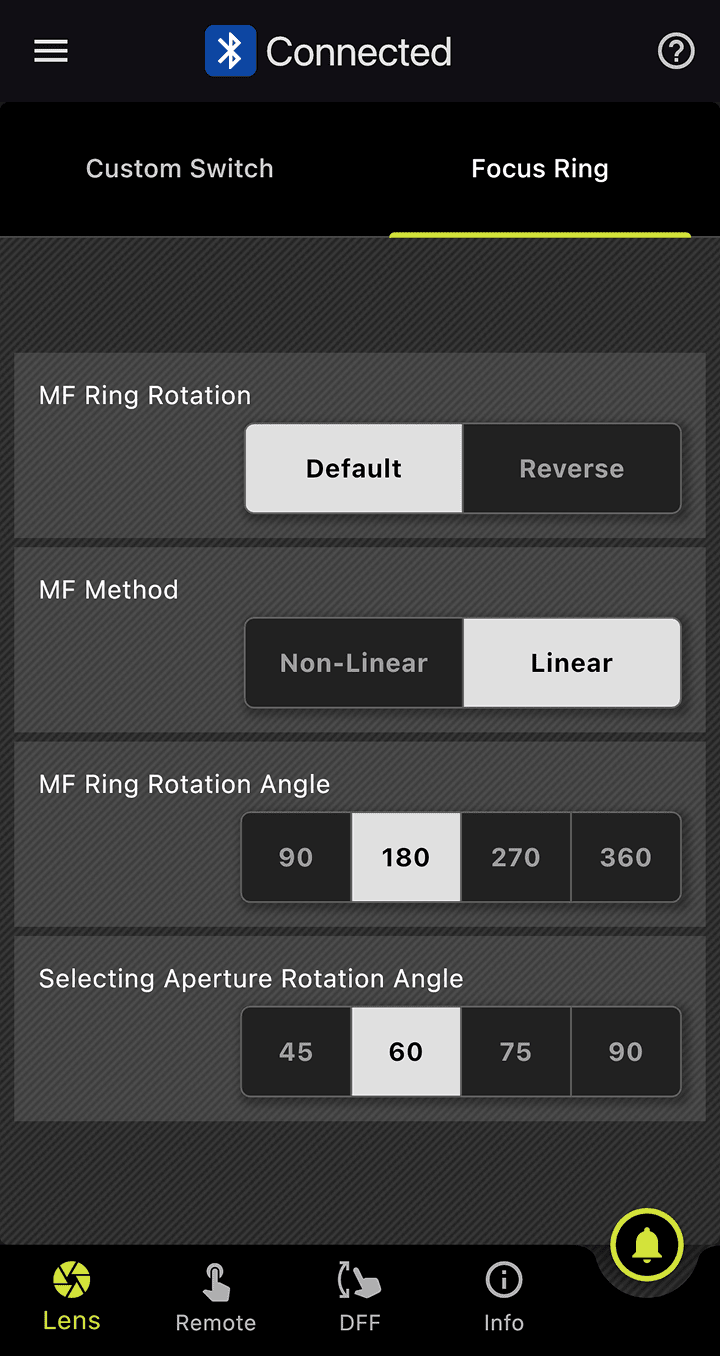
Selecting Focus and Aperture Rotation Angle
Adjust Ring Rotation Angle to Suit the Scene
This function lets you set the rotation angle of the focus and aperture rings. You can select the rotation angle according to the scene you are shooting in manual mode, allowing for operation that match your creative intentions.
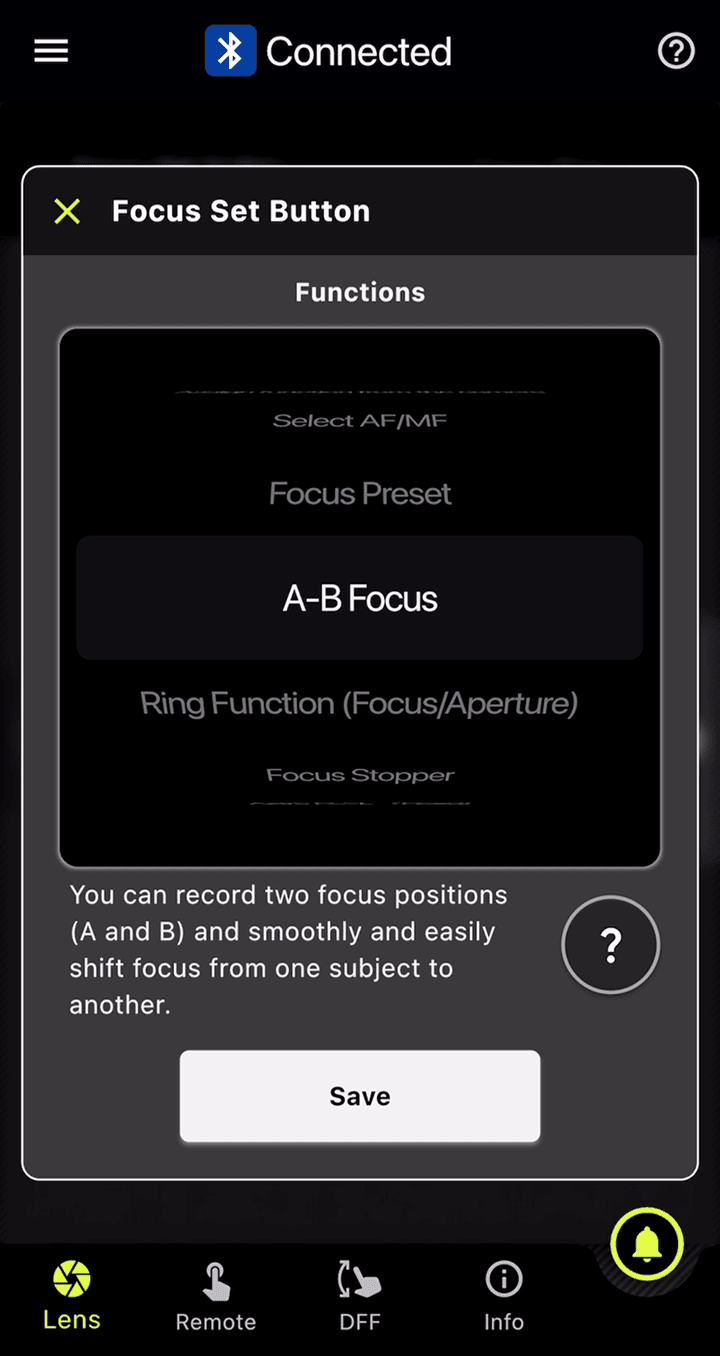
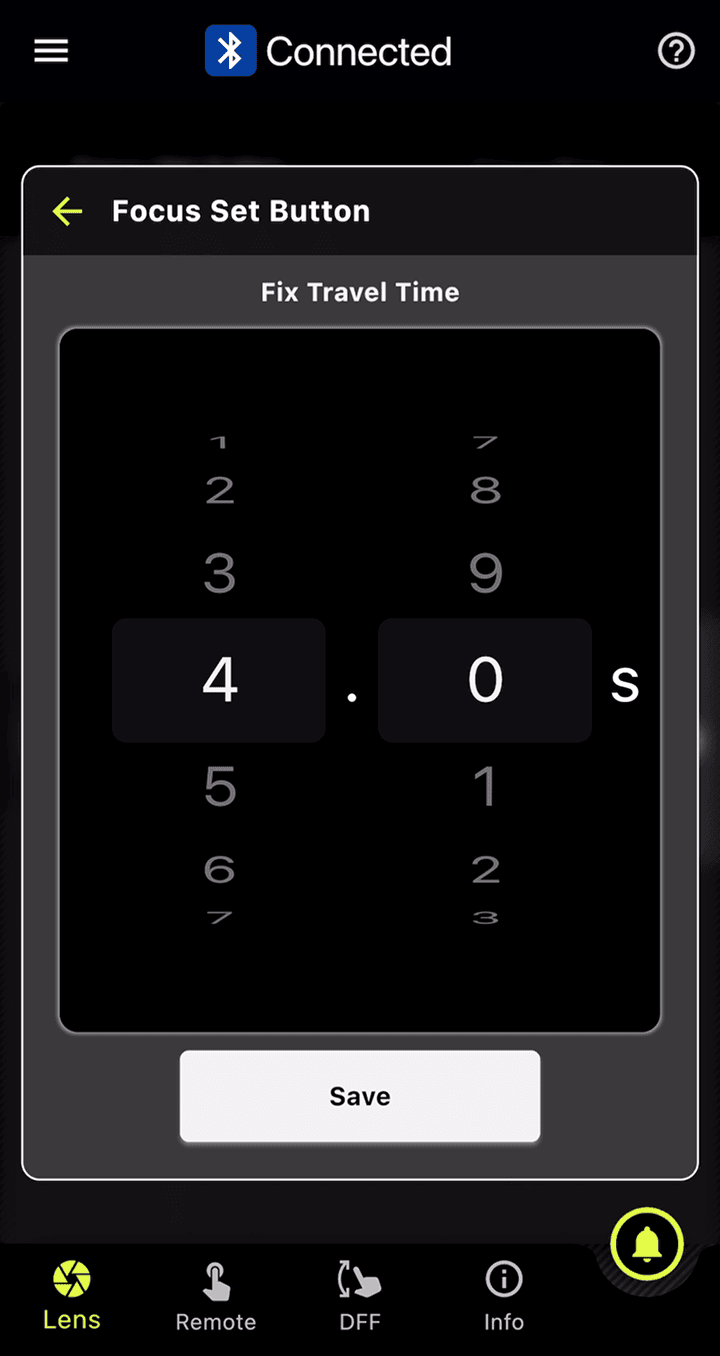
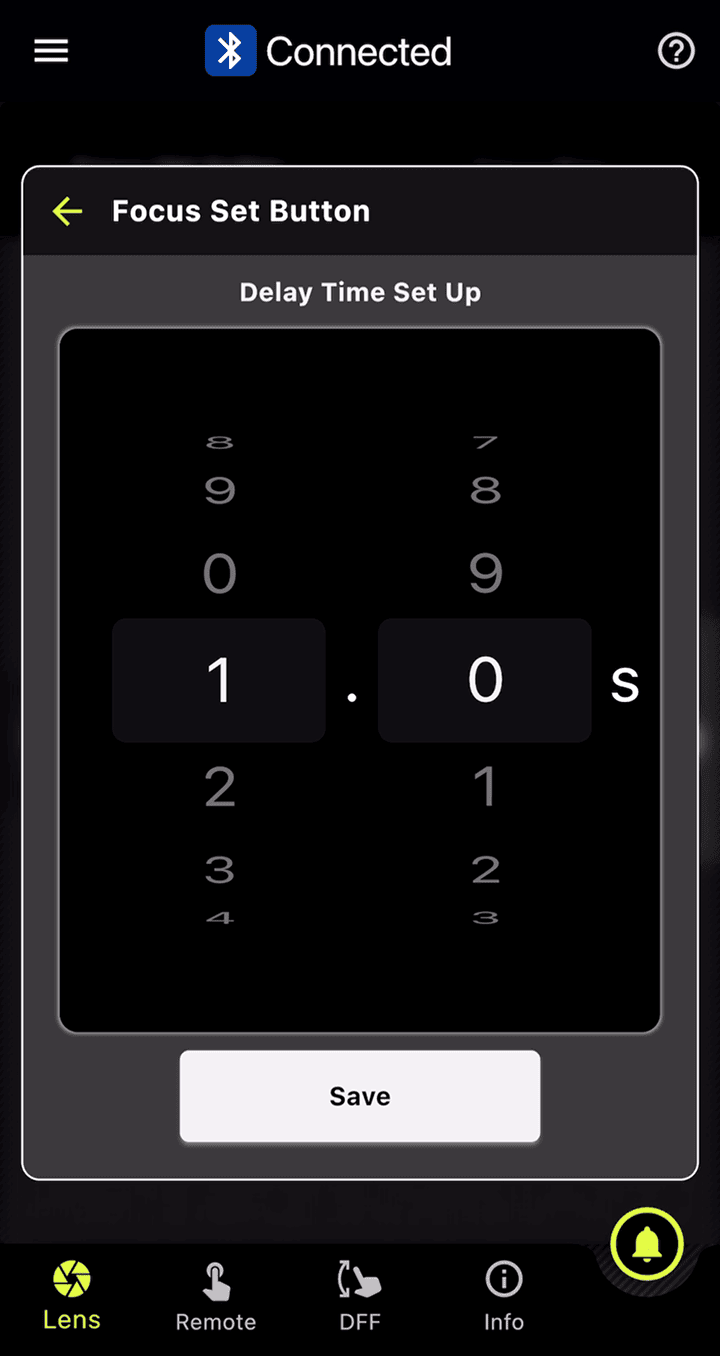
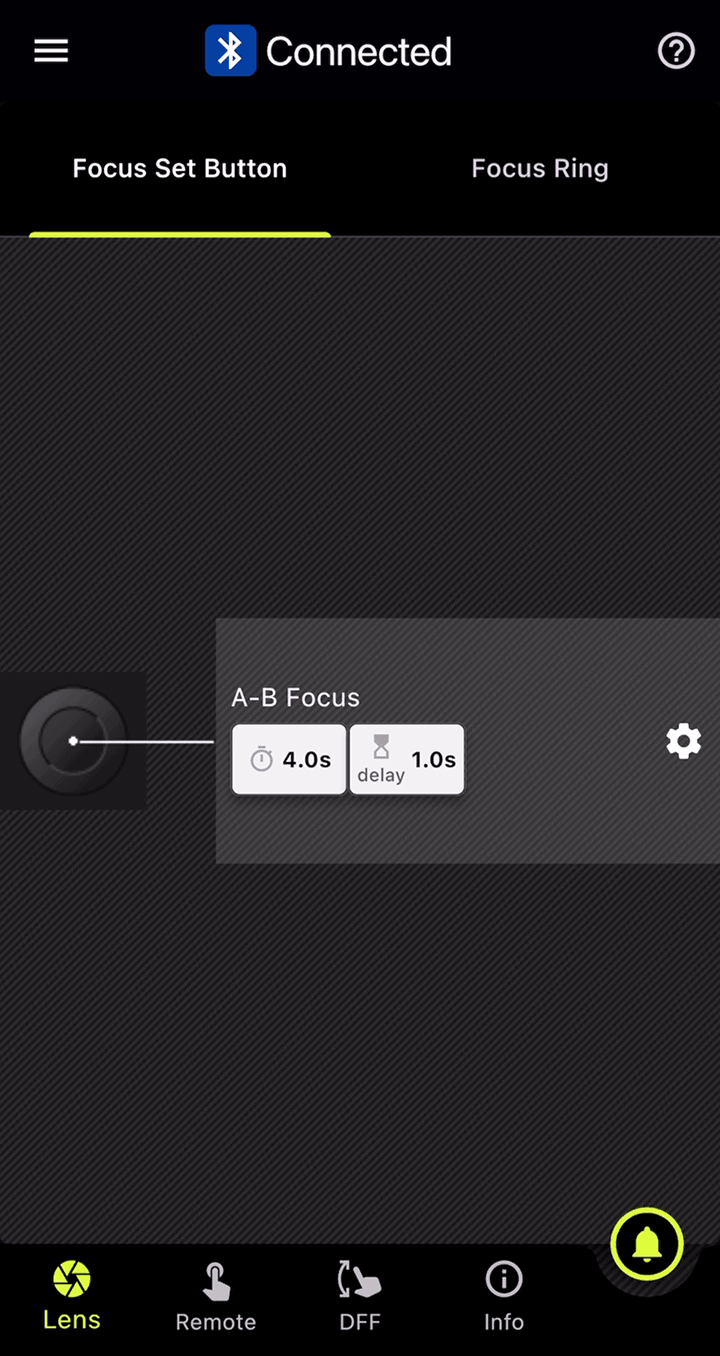
A-B Focus
Lets you smoothly and easily shift focus from one subject to another.
![]()
For Time-Lapse
Focus Time-Lapse
Add Focusing to Time-Lapse Shooting
This function works with the camera’s interval shooting, letting you create time-lapse videos while gradually shifting the focus position with ease.
* Nikon Z mount is not supported.
* For 28-75mm F2.8 G2 (Model A063) and 20-40mm F2.8 (Model A062), the Fine Adjustment button will not appear around the Focus Ring on the DFF screen.
![]()
For Astrophotography
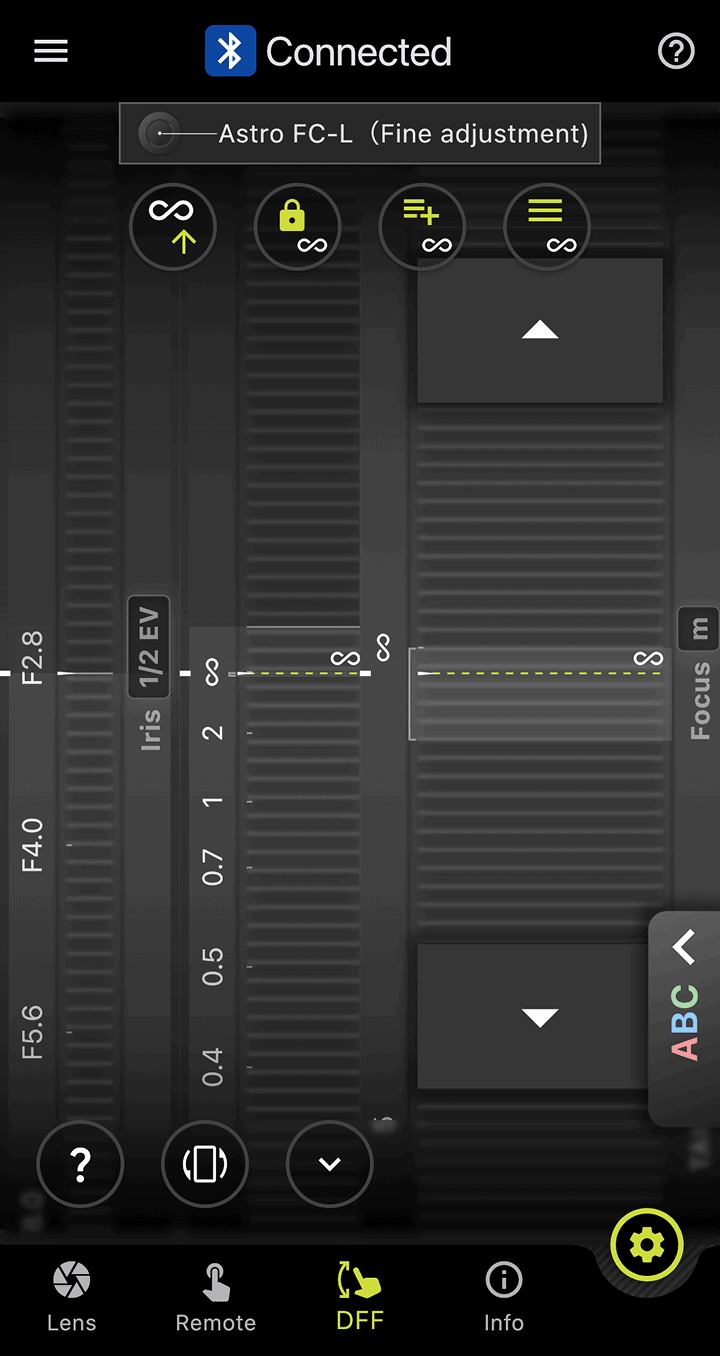
Astro FC-L (Fixed / Fine Adjustment)
Supports Focusing for Astrophotography
This function helps reduce the hassle of focusing when shooting the night sky. You can fine-tune and save focus positions to match your shooting environment and intentions.
* For 28-75mm F2.8 G2 (Model A063) and 20-40mm F2.8 (Model A062), the Fine Adjustment button will not appear around the Focus Ring on the DFF screen.
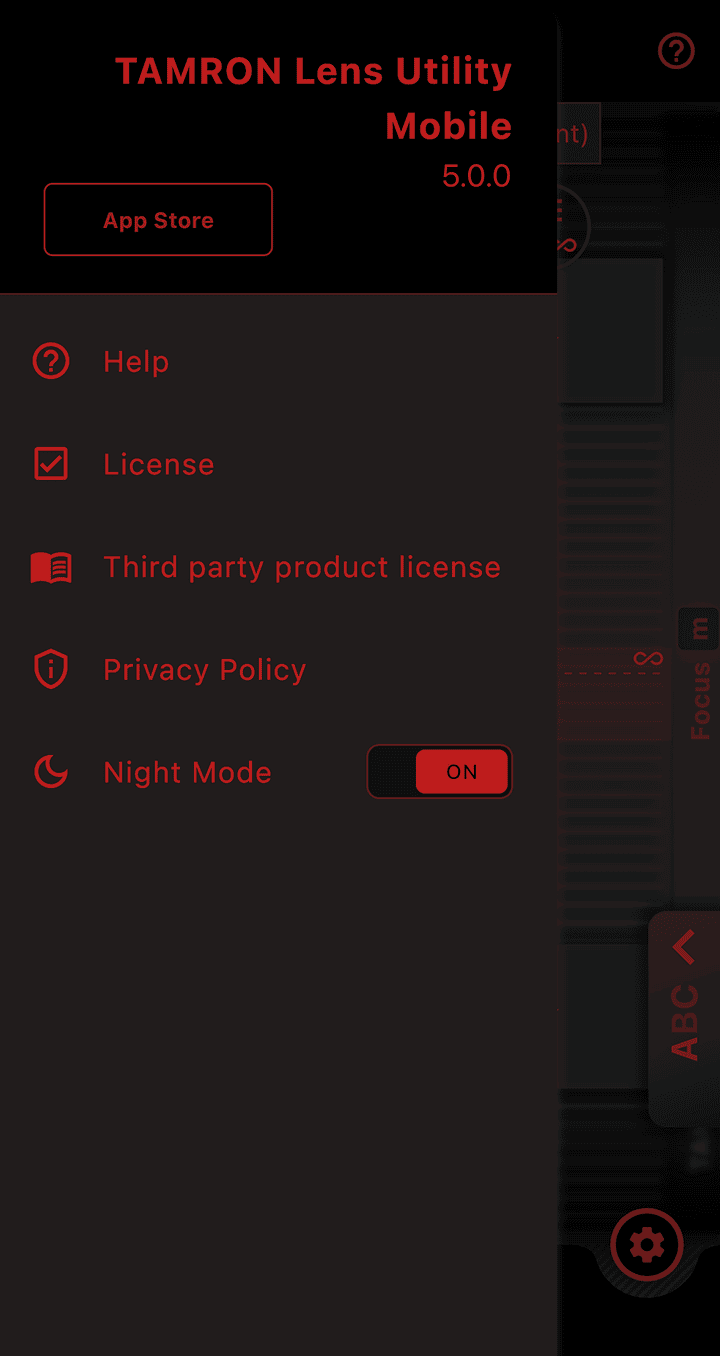
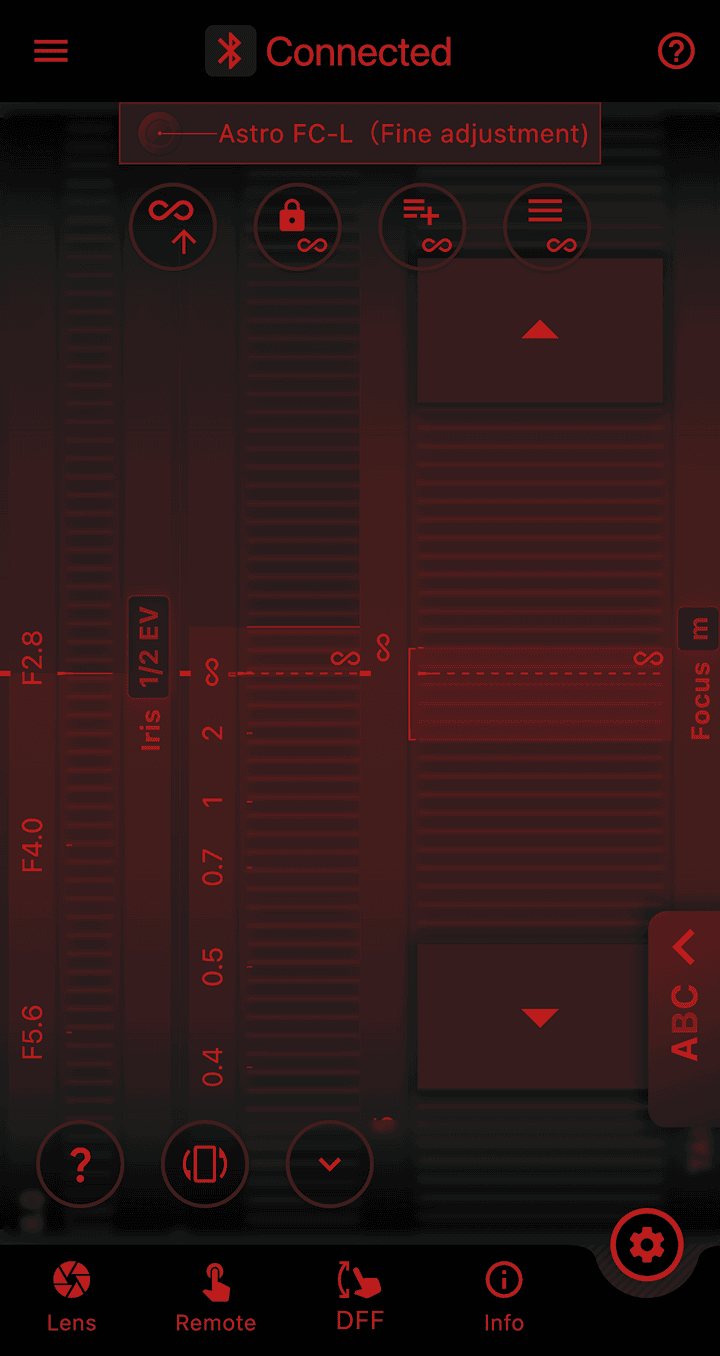
Night Mode
More Comfortable Shooting in Dark Places
The entire screen turns red and dims, reducing eye strain in low-light conditions and minimizing disturbance to other photographers around you.
![]()
For Still Photo
Focus Limiter
Limit the Focus Range to Avoid Missing Shots
This function lets you limit the focus range when shooting moving subjects.
- TAMRON’s unique features:
- Instantly switch between “Full” and “Limit” by pressing the Focus Set Button.
- You can also set “Full” range while pressing the button and “Limit” range while pressing the button.
- Select your preferred limited distance.
Common Features

Focus Preset
Move focus to a prerecorded focal point with one press.

Select AF/MF
This function lets you toggle between AF and MF using the Focus Set Button on lenses without an AF/MF switch.

Assign Function from the Camera
You can use the Focus Set Button to activate a function you have pre-assigned on your camera body.

MF Ring Rotation
This function lets you choose the rotation direction of the focus ring during manual focus. You can set it to match your camera manufacturer's lenses or reverse it, depending on your preference.

1/2/3 Sequence
Activate three preset positions consecutively with a single tap.

Linear / Non-Linear Switching
Switch between linear and non-linear focus control.

Ring Function (Focus/Aperture)
For Sony E-mount: Switch between Focus / Aperture ring function. For Nikon Z mount: Switch between Focus / Control ring function.

M/A Response
Function to select the sensitivity of focus ring, switching to MF during AF operation. * This function is available only on Nikon Z mount.

Firmware Updates
Lens firmware updates are supported with PC/Mac version only. To connect your PC/Mac, use the TAMRON Connection Cable sold separately.
Previous Updates for TAMRON Lens Utility