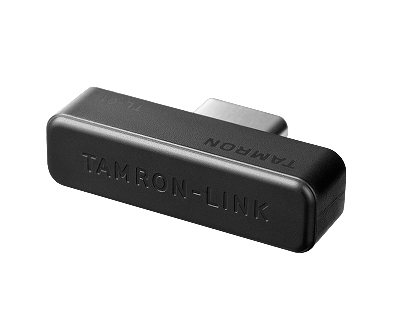
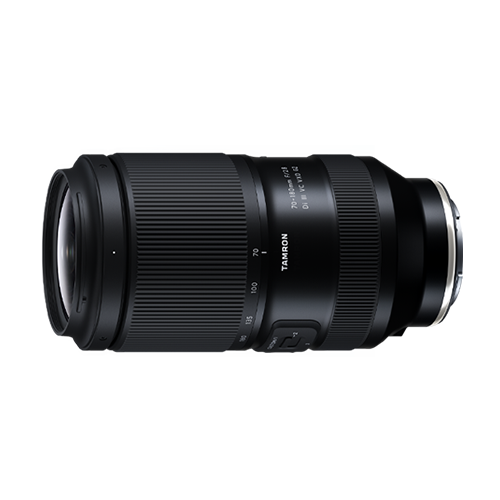
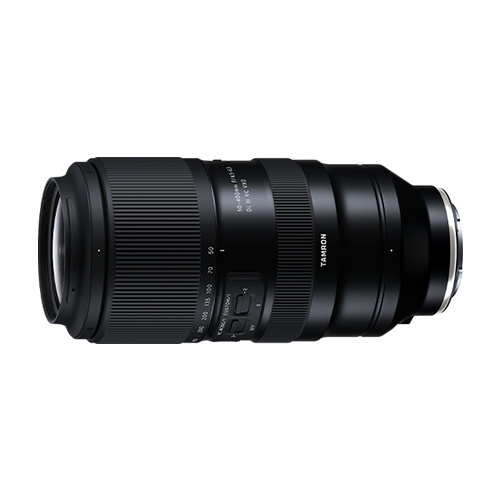
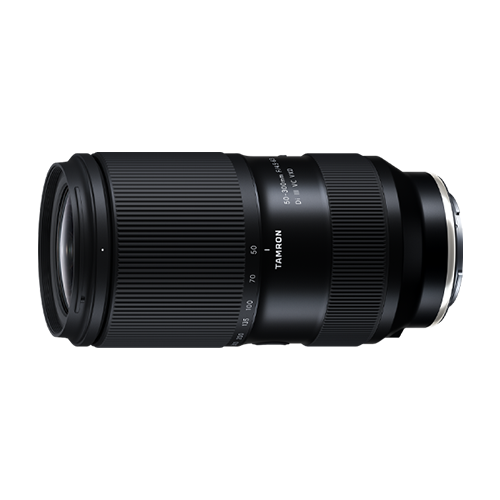
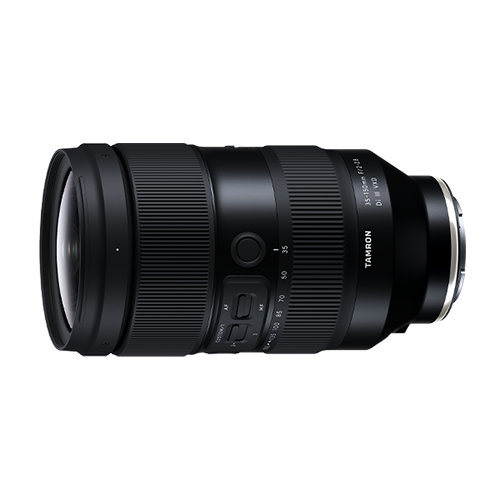
TAMRON-LINK: Wireless lens control via Bluetooth with your smartphone
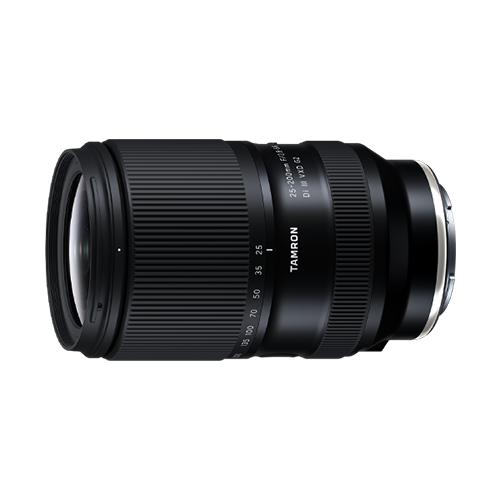
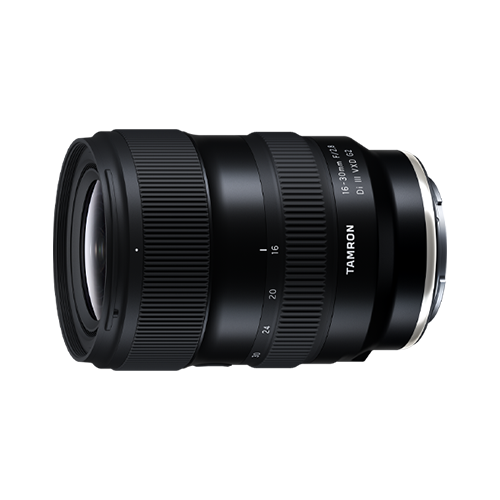
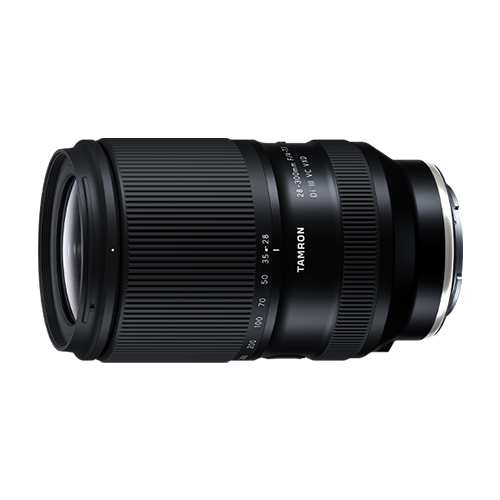
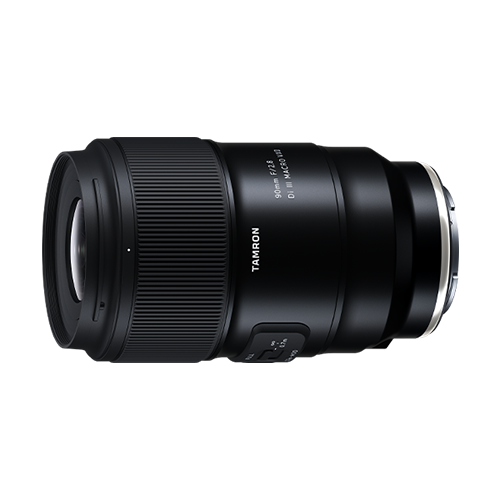
By connecting the TAMRON-LINK to a TAMRON lens, users gain the ability to wirelessly operate various lens functions from a smartphone via Bluetooth. This connection accessory eliminates the need for cable connections, Improving on-location workflow efficiency and enabling a more flexible and seamless shooting experience, It supports both IOS and Android devices, allowing users to enjoy TAMRON Lens Utility comfortably.
Connect your TAMRON-LINK
Follow these steps to connect your TAMRON-LINK Bluetooth device to the app.
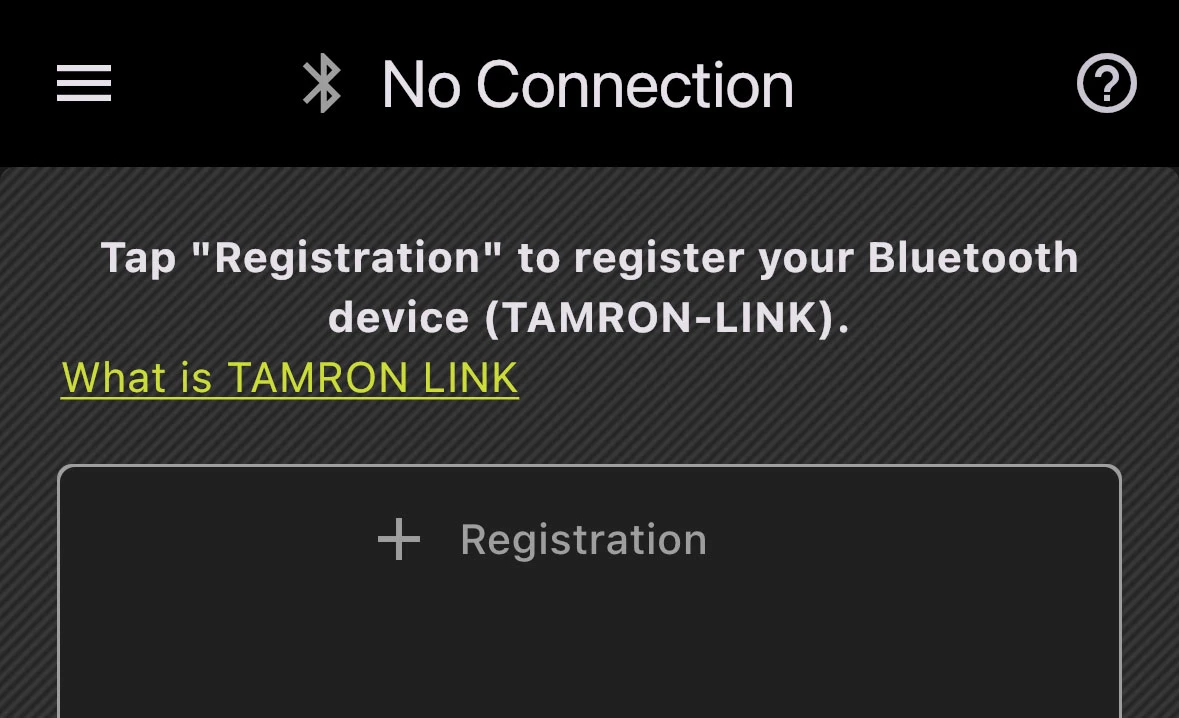
Step 1: Register the Bluetooth Device
Tap “+ Registration” in the app to add a new TAMRON-LINK device.
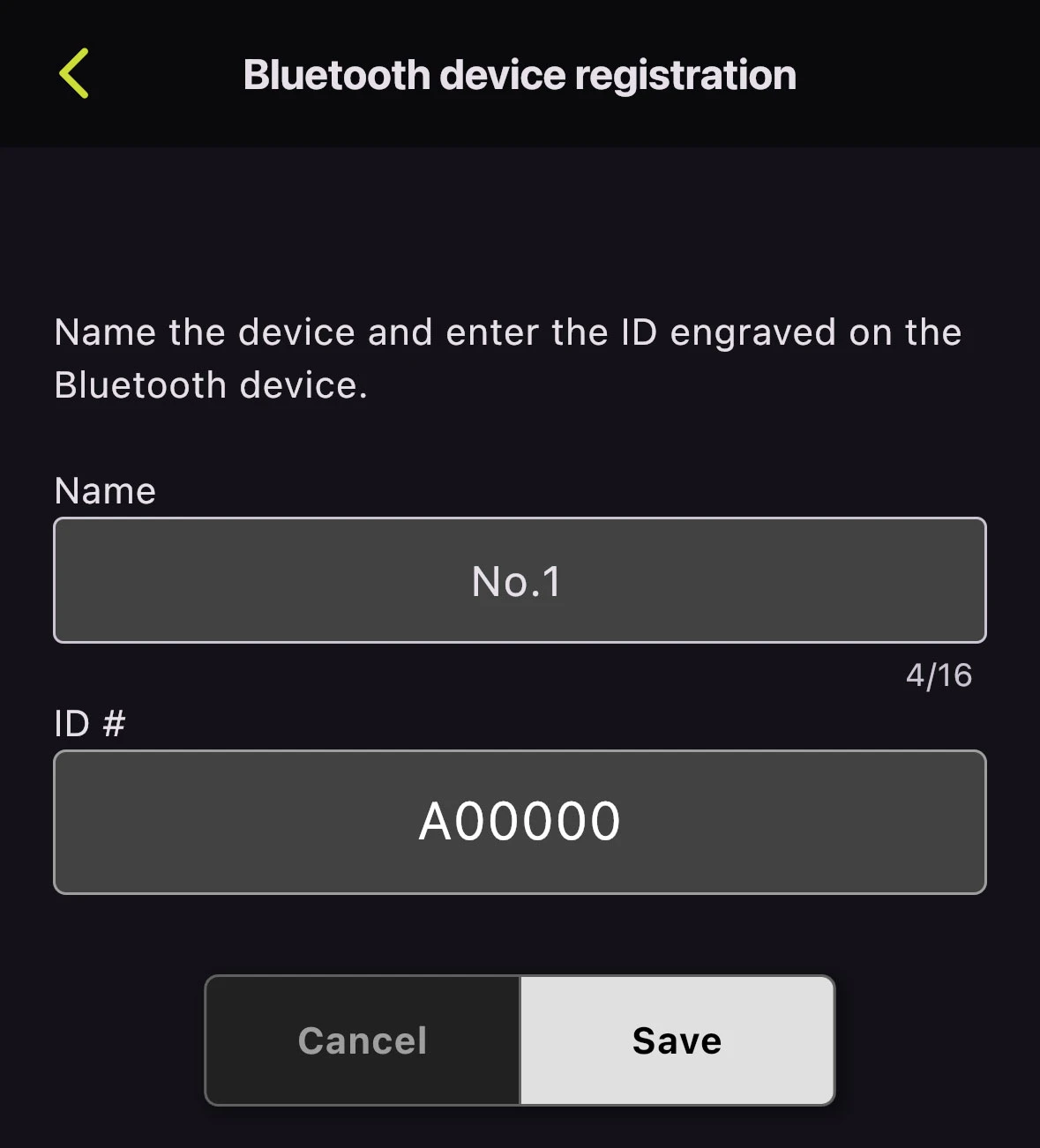
Step 2: Enter Device Name and ID
Assign a device name and enter the ID engraved on the TAMRON-LINK.
Tip: The ID is located directly on the Bluetooth module.
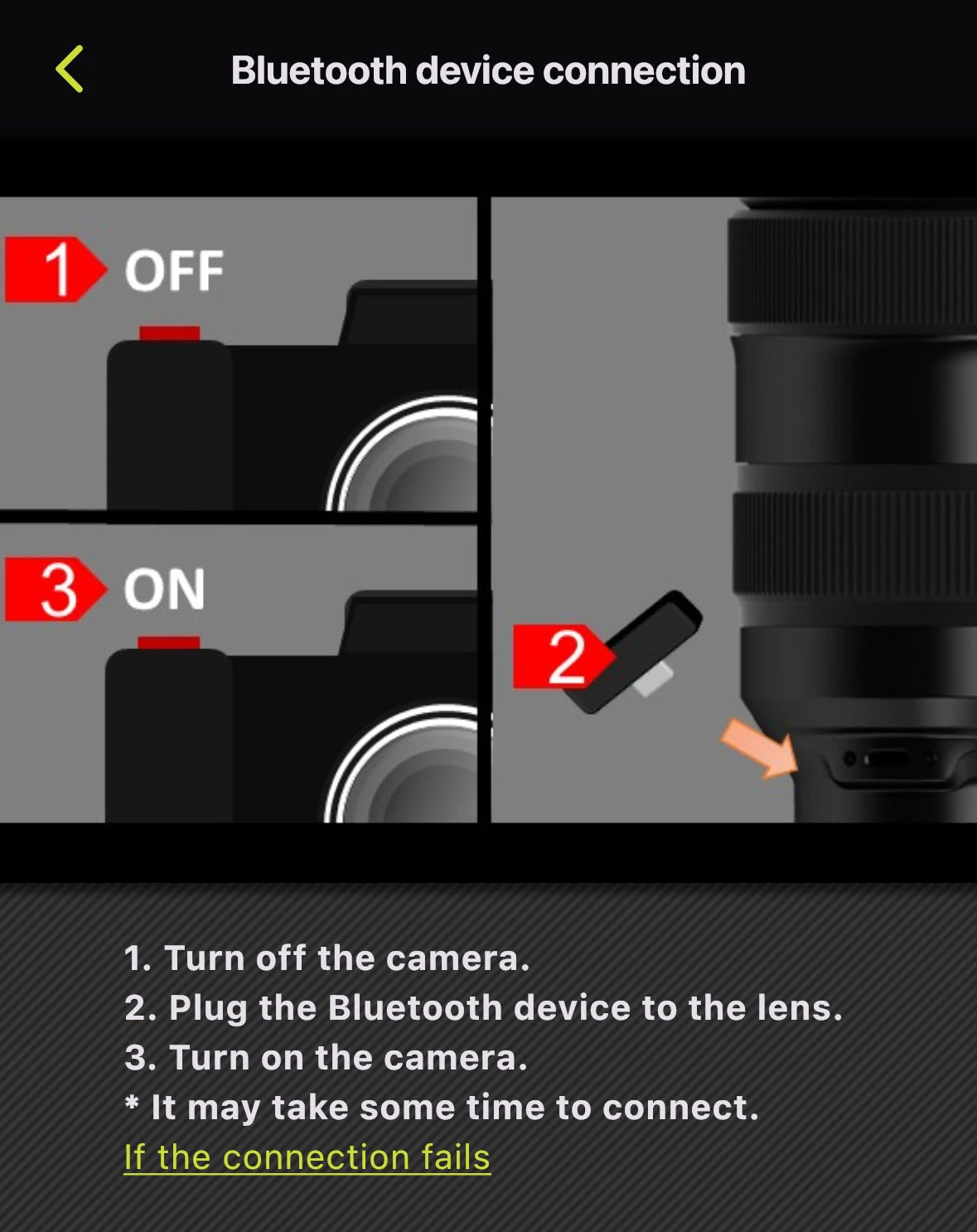
Step 3: Connect TAMRON-LINK
- Turn off the camera
- Insert the TAMRON-LINK into the lens
- Turn on the camera
The connection may take a few seconds.
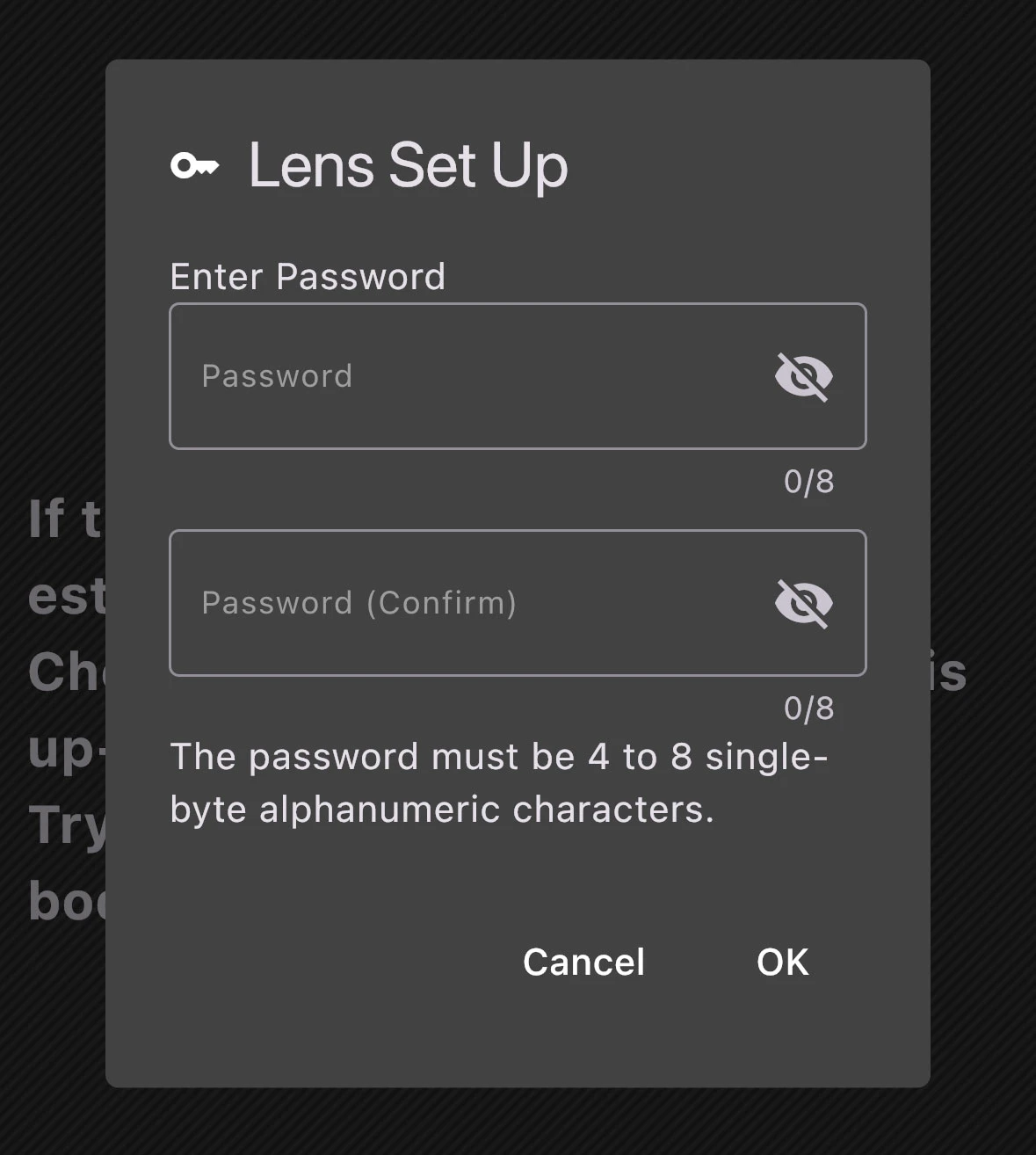
Step 4: Set a Password
Set a password and tap “OK”.
This step is required only during the initial registration.
Note:
The password must contain 4–8 alphanumeric characters.
Step 5: Connection Established
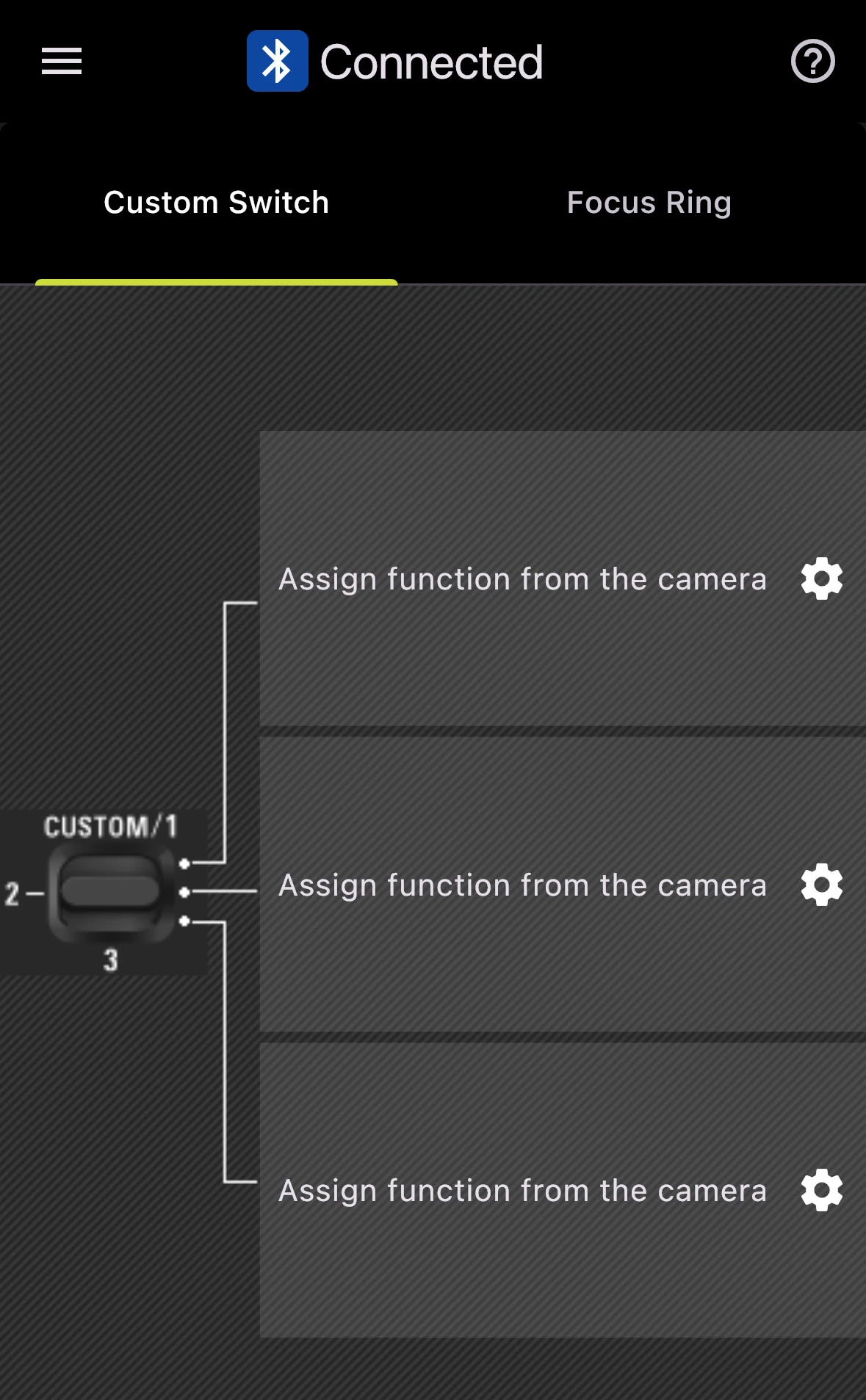
The connection has been successfully established.
You can now configure your individual functions.